v0.0.2 early preview · macOS

Subo.
Set your inspiration free.

Subo is a LaTeX workspace that lives on your computer. The installer ships with a typesetting engine, so you can compile on day one, and any missing package is fetched the moment a document needs it. AI and agents help when asked. Your files never leave your hands.

Public download coming soon

The Quiet Page — Subo
Subo / The Quiet Page Saved ⌘↵Compile

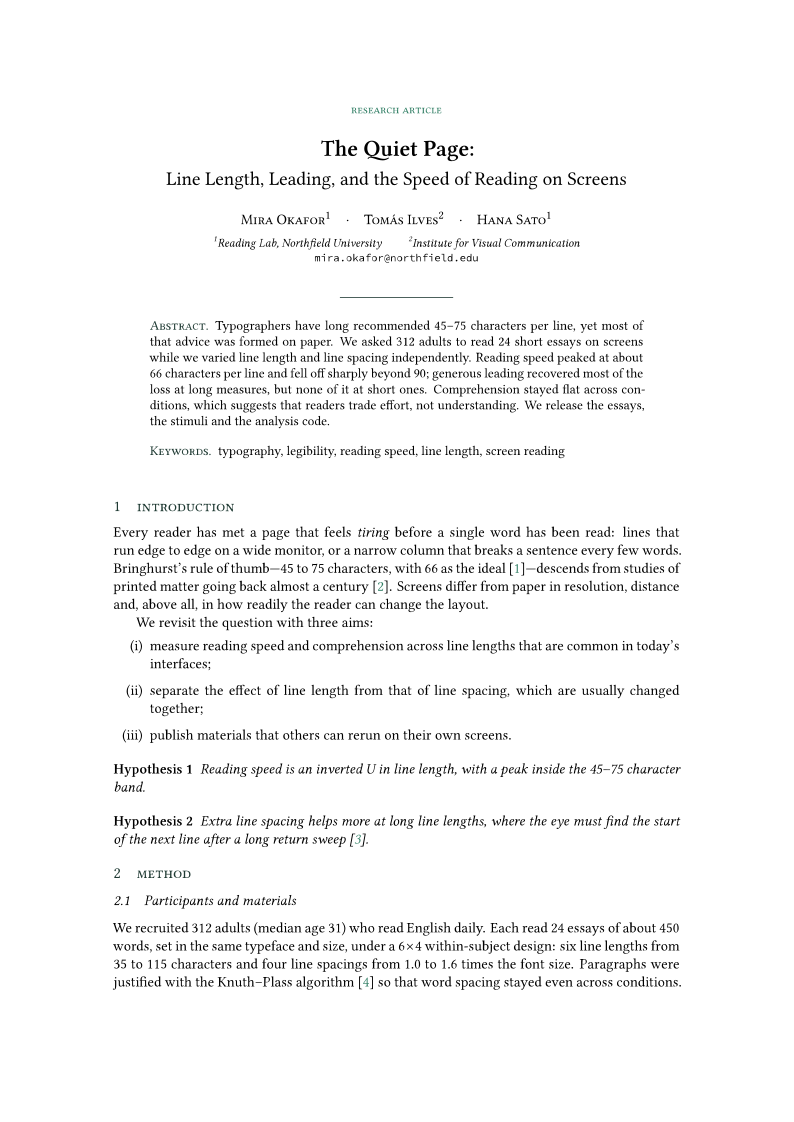
The demo uses Subo's built-in English paper template. Add \usepackage{pgfplots}. It isn't installed, so Subo fetches it during the build and finishes the PDF.

100 MBinstaller with a trimmed TeX Live
Offlinecompiles locally, no network needed
On demandmissing packages fetched, no full install
0background requests. AI is off by default

Why Subo

Writing in LaTeX
shouldn't be a hassle.

Setting up, compiling, tracking down errors: Subo gets these three right, so your attention stays on the ideas.

BeforeSubo
Install a multi-GB distribution first100 MB. Missing packages added on demand
Online editors: stop when offline, builds wait in a queueCompiles locally. Works offline, stays fast
Dig through the log for errorsOne click jumps to the line

01 · Typesetting

Install what you need,
when you need it.

No giant distribution up front. Subo starts with pdfLaTeX and XeLaTeX, then fetches other packages, engines, and fonts from the source you choose, only when a document asks for them. What is installed, where it came from, and which version is in use are all listed in Settings.

Packages fetched mid-build

Missing bytefield.sty? Subo finds the package it belongs to, installs it, and rebuilds without you leaving the editor.

Fast mirrors, or your own

Test mirror speeds in one click and pick the fastest, or enter an internal address.

Offline-proof

Offline, missing packages go into a queue that fills itself when you reconnect. A snapshot carries your extra packages to an air-gapped machine.

Already have TeX Live? Subo uses it

With a full TeX Live installed, Subo uses it first. Without one, you can still write.

02 · Writing

Edit, preview, and jump.
All within reach.

A familiar three-pane layout: files and outline, source, PDF. Less hunting between windows, more time writing.

Two-way SyncTeX

⌘⇧J jumps from source to the PDF. Double-click the PDF to land back on the line.

main.tex:42Undefined control sequence
main.tex:57Overfull \hbox (4.2pt)
refs.bibCitation undefined

Problems panel

⌘J lists errors, warnings, and overfull lines. Click one to open the file at that line.

\begin{fig
figurefigure*figwindow

Completion that knows LaTeX

\begin{fig expands to a full skeleton. \ref and \cite see every label and bib entry.

− 天头与地脚之比约为 1.5+ 天头与地脚之比稳定在 1.6 左右

Local history

A snapshot every five minutes. Compare and restore in one click, kept outside your project.

03 · AI assistance

AI shows up when you call it.
The final word is yours.

No chat sidebar, and no ghost-writing whole papers. AI appears beside an error or at your cursor, and every suggestion is an inline change. Subo first compiles it locally to confirm it adds no new errors. Then the decision is yours.

Bring your own model

Use your own API key with any OpenAI-compatible service, or a model running on your machine.

Checked by the compiler

Suggestions are built in a scratch copy first. If they break something, Subo retries or flags them, and never auto-accepts.

See what was sent

Off by default, with no background calls. Expand any request to see the lines, model, and endpoint. Keys live in the system keychain.

12where reading speed $v$ and line length $n$
13\begin{equation}
14 v = \frac{k}{n + c
14 v = \frac{k}{n + c}
15\end{equation}
main.tex:14 Missing } inserted.

The second argument of \frac is missing its closing brace.

Checking with the local compiler…TabAcceptEscDismiss

04 · Built for agents

Your agent can ship
the PDF, too.

Coding agents write LaTeX well but get stuck on the environment. Subo's CLI never prompts or opens dialogs, and it returns flat JSON. When a build fails, it says what is missing, why, and which command to run next.

$ subo build ./paper --install --json
{
  "ok": true,
  "entry": "main.tex",
  "engine": "xelatex",
  "ms": 3539,
  "pdf": "/Users/you/paper/main.pdf",
  "errors": [],
  "missing": [],
  "installed": ["pgfplots"],
  "warnings": [],
  "next": []
}

Human-readable output is currently in Chinese. JSON field names are always English.

Exit codes that say what to do next

  • 0Success. The PDF path is in pdf
  • 1The document didn't build. Follow errors and next
  • 2The command was wrong. Read hint
  • 3Environment issue. Run subo doctor

Everyday commands

subo doctorCheck the environment
subo inspectEntry file and engine
subo newStart from a template
subo installPackages or engines

Start a document

Begin from a template,
or bring your project.

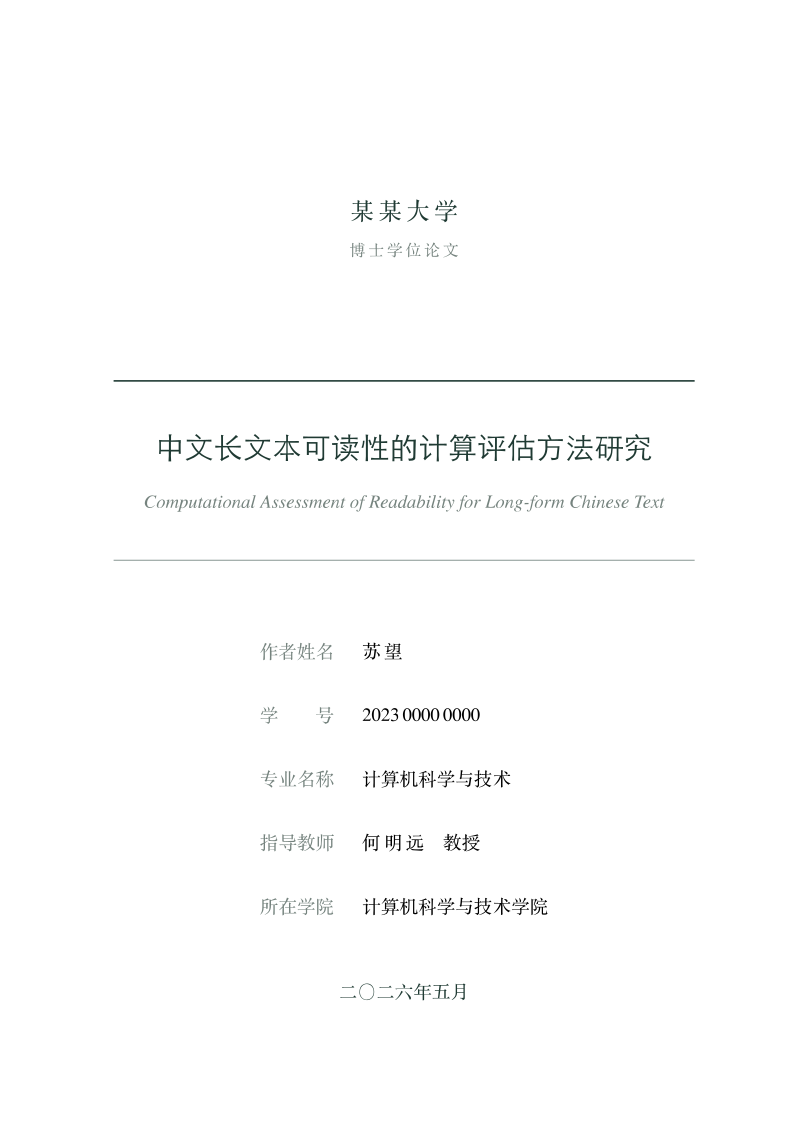
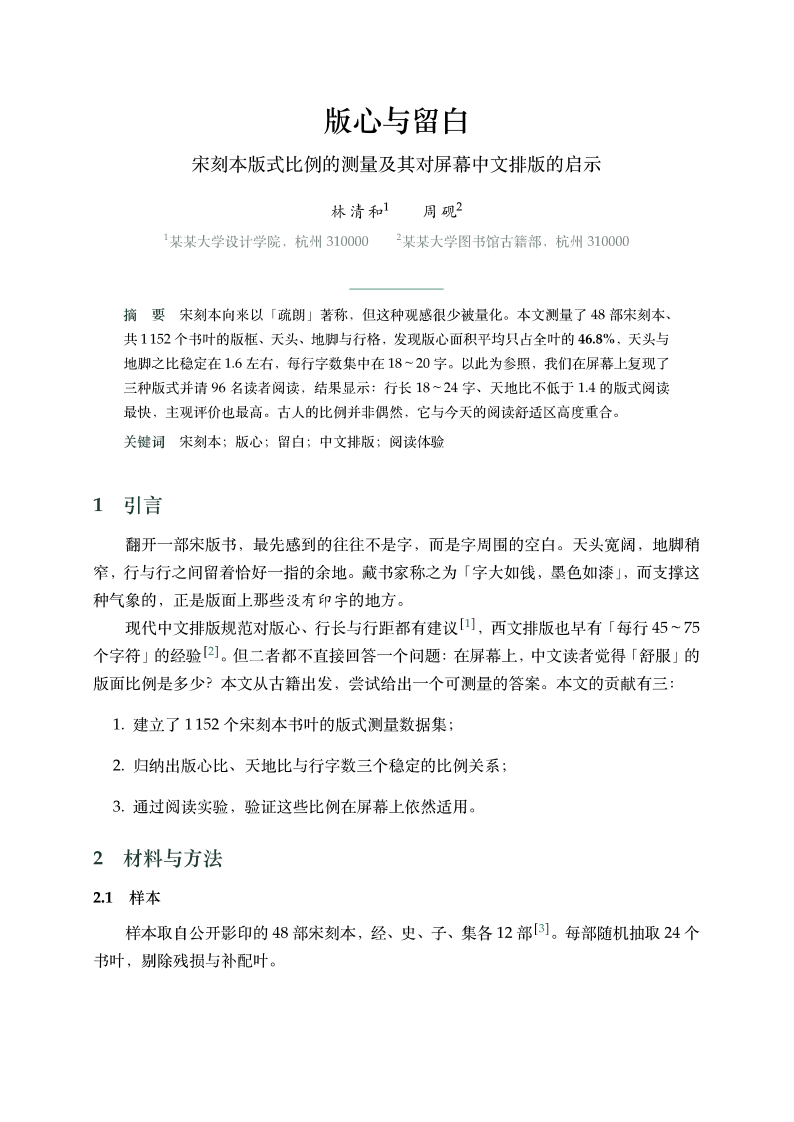
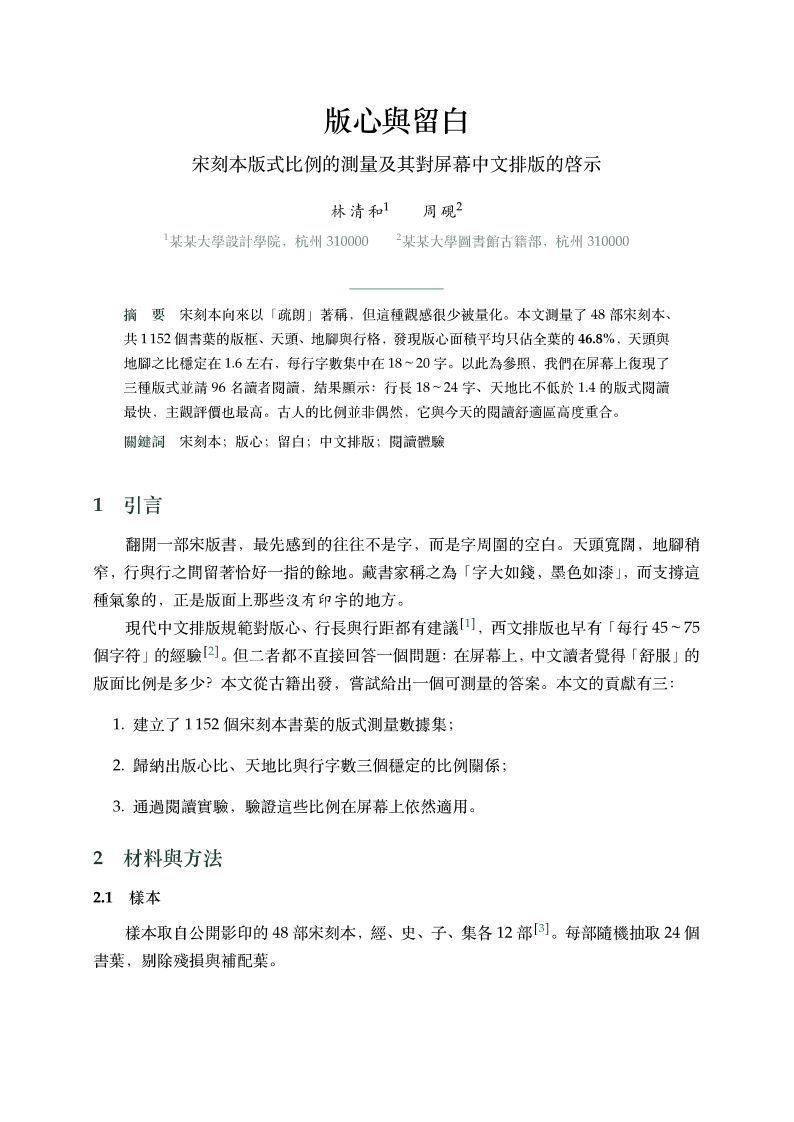
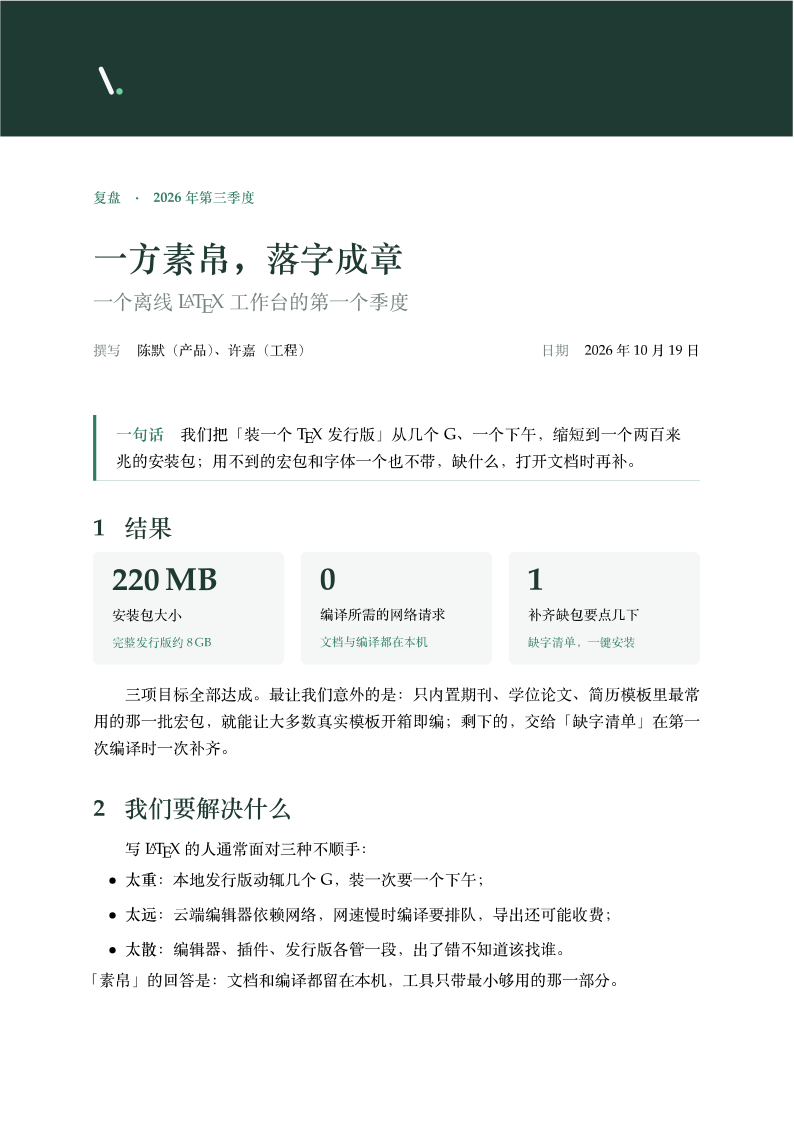
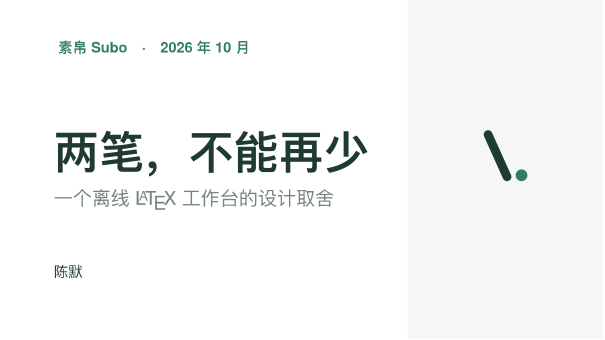
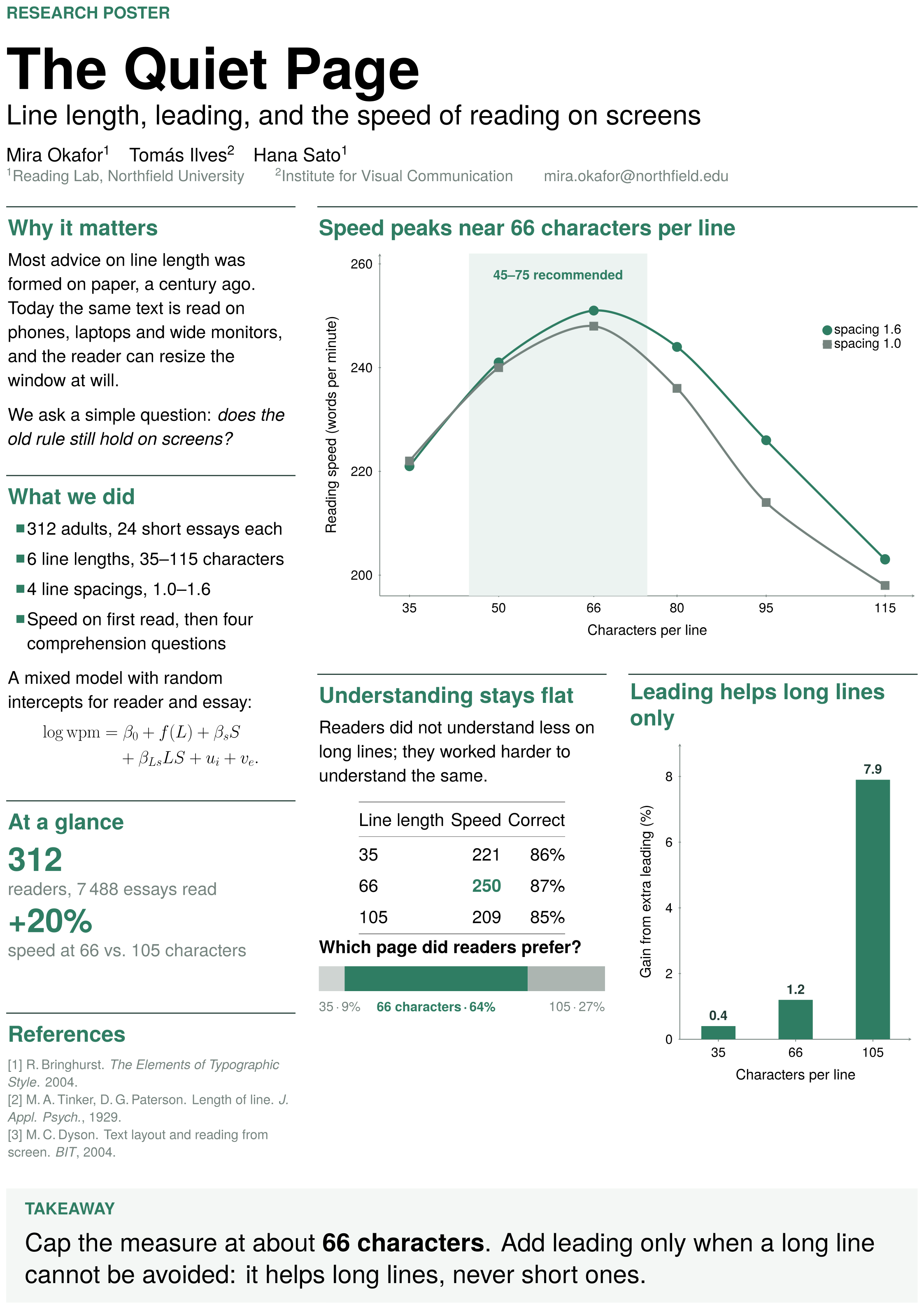
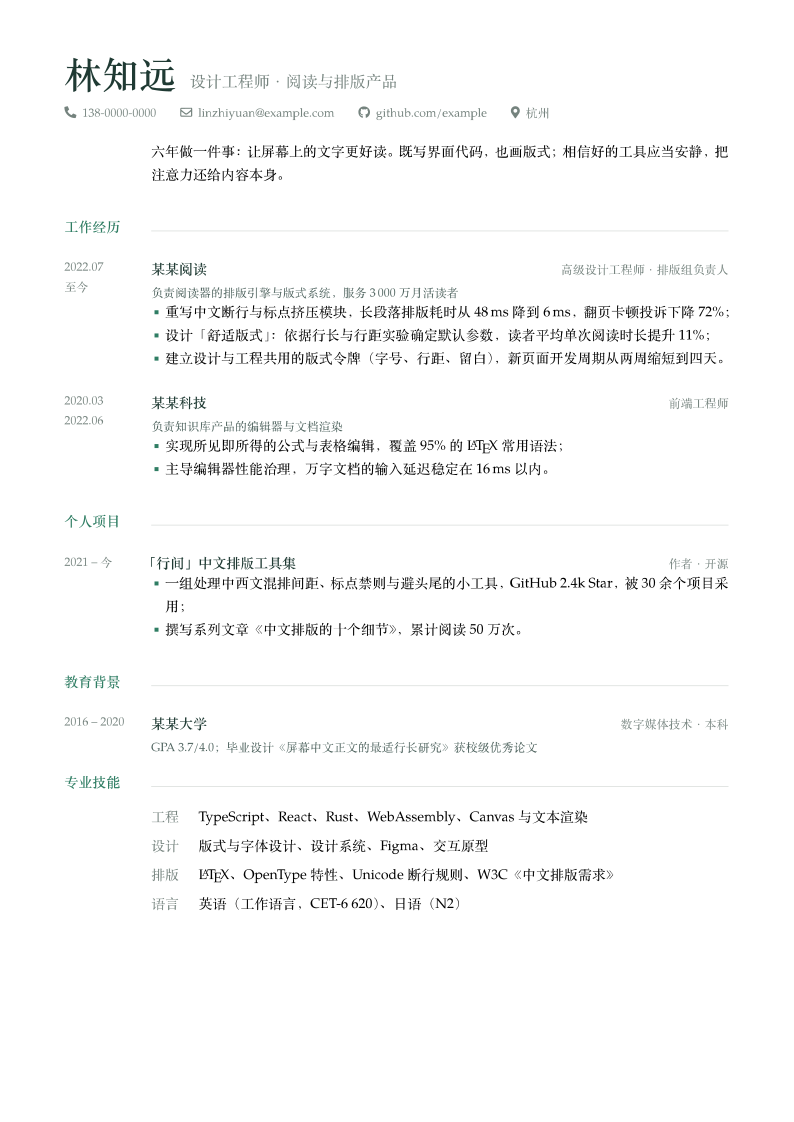
Nine templates, ready to compile. Or open an existing folder in place, or import an archive from elsewhere.

Thesis (Chinese)thesis-zh
Article (Simplified)article-zh
Article (Traditional)article-zh-tw
Paperpaper-en
Reportreport-zh
Slidesslides-zh
Posterposter
Résumé (Chinese)resume-zh
Résuméresume-en

Product film

From the first line
to the finished PDF.

AI error fixes, natural-language edits, and an agent building a document through the CLI. All recorded in the real app.

Early preview

Your next piece
starts in Subo.

Signing and notarization for the macOS installer are in progress. Public downloads open soon. Until then, try the sample project or watch the film.

Download sample project

v0.0.2 · early preview

  • macOS100 MB installer with a trimmed TeX Live
    In progress
  • LinuxBuild from source
    Source
  • WindowsNot available yet
    Planned

A few things to know
before you begin.

Do I need a full TeX Live installation?

No. The macOS installer includes a trimmed TeX Live with pdfLaTeX and XeLaTeX, so you can compile without installing TeX. Extra packages are fetched during the build when a document needs them. If you already have full TeX Live, Subo uses it first.

How is Subo different from Overleaf?

Overleaf lives in the cloud and excels at real-time collaboration. Subo lives on your machine: it works offline, builds never queue, and your files stay on your disk. Overleaf exports can be imported directly. Subo doesn't support multi-user collaboration yet.

Is AI required? Will my paper be uploaded?

No. Until you configure a model, no AI controls appear at all. A relevant excerpt is sent to the service you chose only when you press Fix or ⌘K. There are no background requests and no telemetry.

Can I use my own or a local model?

Yes. Subo speaks the OpenAI-compatible protocol: enter a base URL, API key, and model ID. Local servers such as Ollama, LM Studio, and vLLM work too.

What can an agent do?

Through the subo CLI an agent can check the environment, create or inspect projects, choose an engine, install missing packages, and produce the PDF. Output is flat JSON, and exit codes tell it what to do next.

Windows? Can I download it now?

Windows isn't available yet, and Linux can be built from source. The macOS app is an early preview (v0.0.2). Public downloads open once signing and notarization are done.

Subo.
Set your inspiration free.